
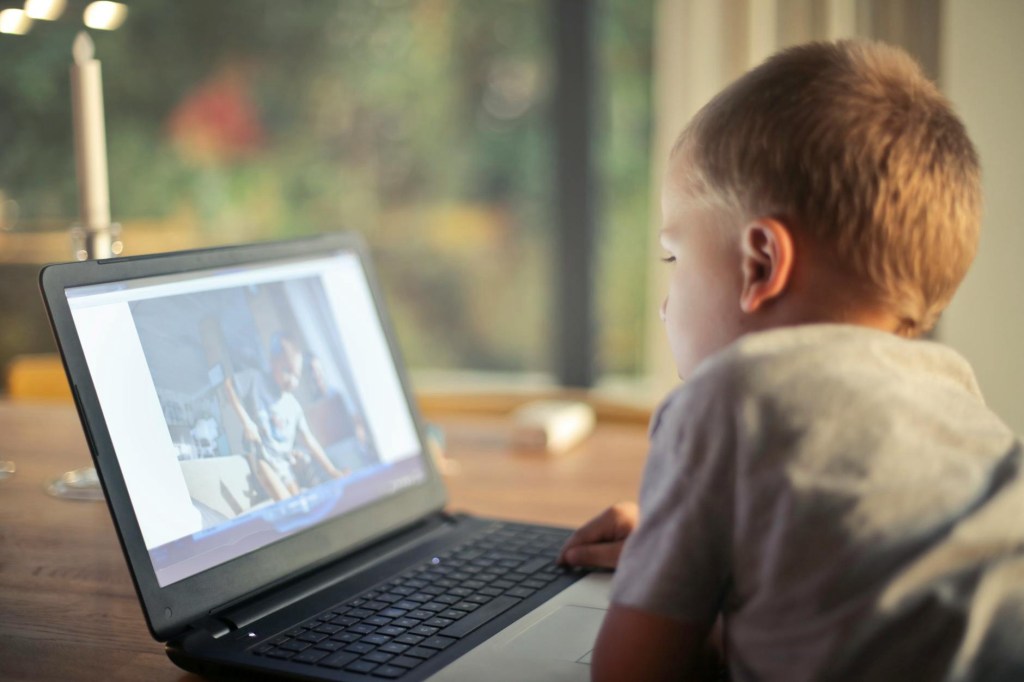
Are you tired of the old talk format? Do your students glaze over during video presentations? If so, it’s time to shake things up! EdPuzzle is a game-changer for educators, turning any video into an engaging and effective interactive learning experience. Let’s dive into why EdPuzzle should be in your teaching toolbox. What is EdPuzzle? Think of EdPuzzle as YouTube for teachers on steroids. You can take any video, from tutorial techniques to movie clips, and customize it with questions, voice-overs, and open-ended questions. Imagine adding a multiple-choice question right after a key point in a video or adding your own explanation to clarify a complex concept. This interaction focuses on actively engaging students, increasing their understanding and retention.
Benefits for Teachers:
- Spark Curiosity: Shoot a casual video and turn it into an engaging story.
- Increase understanding: Check understanding and address misconceptions by embedding questions throughout the video.
- Encourage dialogue: Encourage dialogue with open-ended questions and synthesis.
- Differentiate instruction: Pace questions and video to suit individual students’ needs.
- Save time: Choose from a large library of existing videos or create your own in minutes.
- Monitor progress: Gain valuable insights into individual student understanding through in-depth assessments.
Getting Started with EdPuzzle:
- Sign up for a free account: Go to https://edpuzzle.com/ and create a tutor account.
- Search or upload a video: You can search YouTube directly on EdPuzzle, upload your own video, or choose from a library of teacher-created lessons.
- Edit Video: Add multiple-choice, open-ended, or sound questions to the video at any time. You can also cut out specific parts that you don’t want students to see.
- Share Lessons: Share the EdPuzzle link with your students through your learning management system or directly via email.
- Track and analyze: Monitor student progress, see who understood concepts, and identify areas for improvement.
Bonus Tip: Encourage students to create their own EdPuzzle video! This is a wonderful way to encourage deeper understanding, creativity, and peer-to-peer learning.
 Teachers Get Active About Learning