
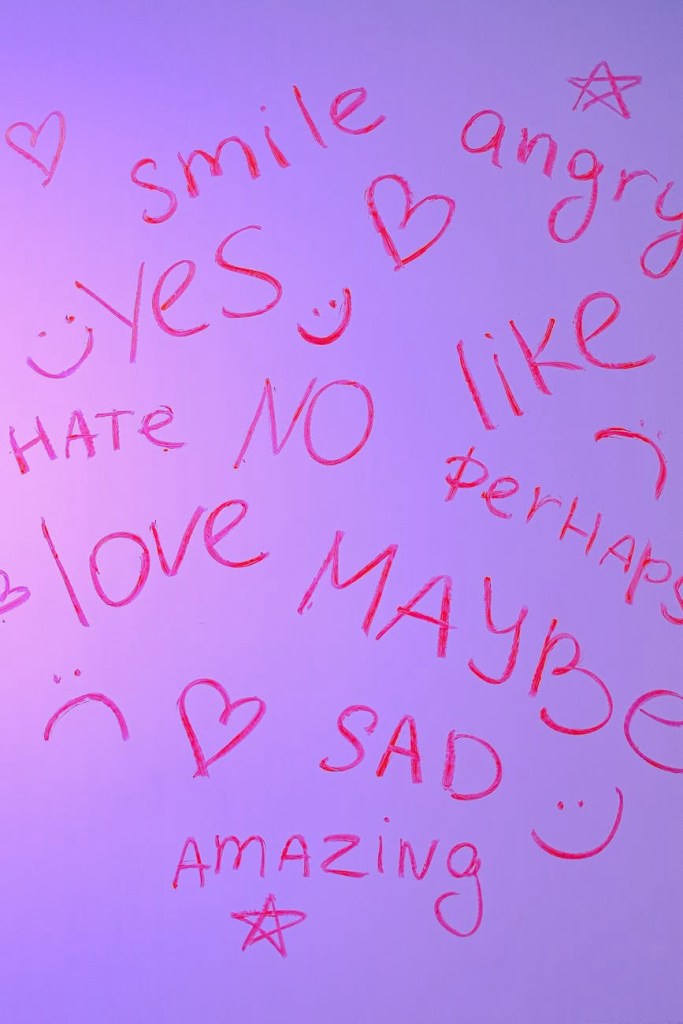
A Word Splash is a graphic organizer that helps students activate prior knowledge, make connections between words, and generate predictions about a new topic. This versatile activity can be used to introduce new vocabulary, assess student understanding, or review key concepts.
Materials:
- Whiteboard or chart paper
- Markers or crayons
- Index cards or sticky notes (optional)
- Word list (5-10 words)
Procedure:
- Introduction (5 minutes):
- Introduce the Word Splash activity to students. Explain that they will be working together to connect words and make predictions about a new topic.
- Display the Word List (2 minutes):
- Write the list of words on the whiteboard or chart paper. Ensure the words are clearly visible to all students.
- Connect the Words (15 minutes):
- Divide students into groups of 3-4. Provide each group with markers or crayons.
- Instruct students to work together to connect the words on the list. They can draw lines between words, write notes on the lines, or use symbols to show relationships.
- Encourage students to discuss their ideas and share their prior knowledge about the words.
- Generate Predictions (10 minutes):
- Ask each group to share their predictions about what they might learn based on the words they connected.
- Write down these predictions on the whiteboard or chart paper.
- Discussion and Review (15 minutes):
- Lead a whole-group discussion about the Word Splash. Encourage students to share their ideas and make connections between the words.
- Review the predictions that were generated and discuss whether they were accurate.
Differentiation:
- Grouping: Form groups based on prior knowledge, learning styles, or interests. Assign different levels of complexity or depth to each group’s Word Splash vocabulary.
- Multiple Intelligences: Offer diverse ways to engage with the words. Allow students to draw, write poems, act out, or create musical pieces inspired by the vocabulary.
- Open-Ended Prompts: Instead of specific questions, provide broad prompts that encourage individual interpretation and connection to prior knowledge. Example: “How do these words relate to your own life experiences?”
- Tiered Vocabulary: Provide multiple levels of vocabulary within the Splash. Some students can focus on core terms, while others can challenge themselves with more advanced synonyms or related concepts.
Technology Integration:
- Interactive Whiteboard: Display the Word Splash on a whiteboard and annotate collaboratively. Students can highlight connections, add definitions, or draw visual representations.
- Online Word Clouds: Generate a dynamic Word Cloud with the vocabulary. Students can adjust the size and color of each word based on their importance or understanding.
- Audio Recordings: Students can record themselves explaining definitions, creating stories, or using the vocabulary in different contexts.
 Teachers Get Active About Learning